
“Will it fit my living room?”
“Oslo is 210 cm wide. I can also show you our 78 cm armchair.”
Your product videos play. Your AI seller presents the items and answers comments out loud. You no longer have to repeat prices, sizes and delivery details for every viewer.
Free demo · Talk to us on WhatsApp · No commitment
You know these questions. Your AI seller can answer them using your store’s information.
“Oslo is 210 cm wide. I can also show you our 78 cm armchair.”
Your seller answers from your sizes and options, then walks through the details of the item.
It explains the uses listed in your product information while the video shows the item.
Illustrative examples. Answers depend on your product information and instructions.
Film your sofa, your dress or your latest product. LiveKopilot plays your videos and lets your AI seller do the talking. It uses the information you provide: prices, dimensions, options and delivery.
Free demo ↗Your AI seller uses your product information to explain the details and vary its presentations.
Audience questions take priority over spontaneous presentations, according to your settings.
Choose products, tailor messages and pause the presentation from your control room.
Add your products, instructions and delivery information. Your seller uses this context to present products and answer questions.
Your information makes the differenceChoose a voice in your studio language, or create your own using an audio upload or a recording of at least 30 seconds.
12 studio languages availableConnect your media and add text and graphic elements. Customise their styles to give each presentation a recognisable identity.
Your brand, on screenPrepare your selection, move to the next product and speak through a custom message. Organise different activities in separate studios.
Autonomy with controlUpload your media and fill in useful information: descriptions, prices, variants and frequently asked questions.
Choose your LIVE products, voice, seller instructions and graphic elements.
Add your scene link as a source in TikTok LIVE Studio, then manage your presentation from LiveKopilot.
Streaming requires access to TikTok LIVE Studio and an eligible account. We review your setup during the demo.
Book my free demo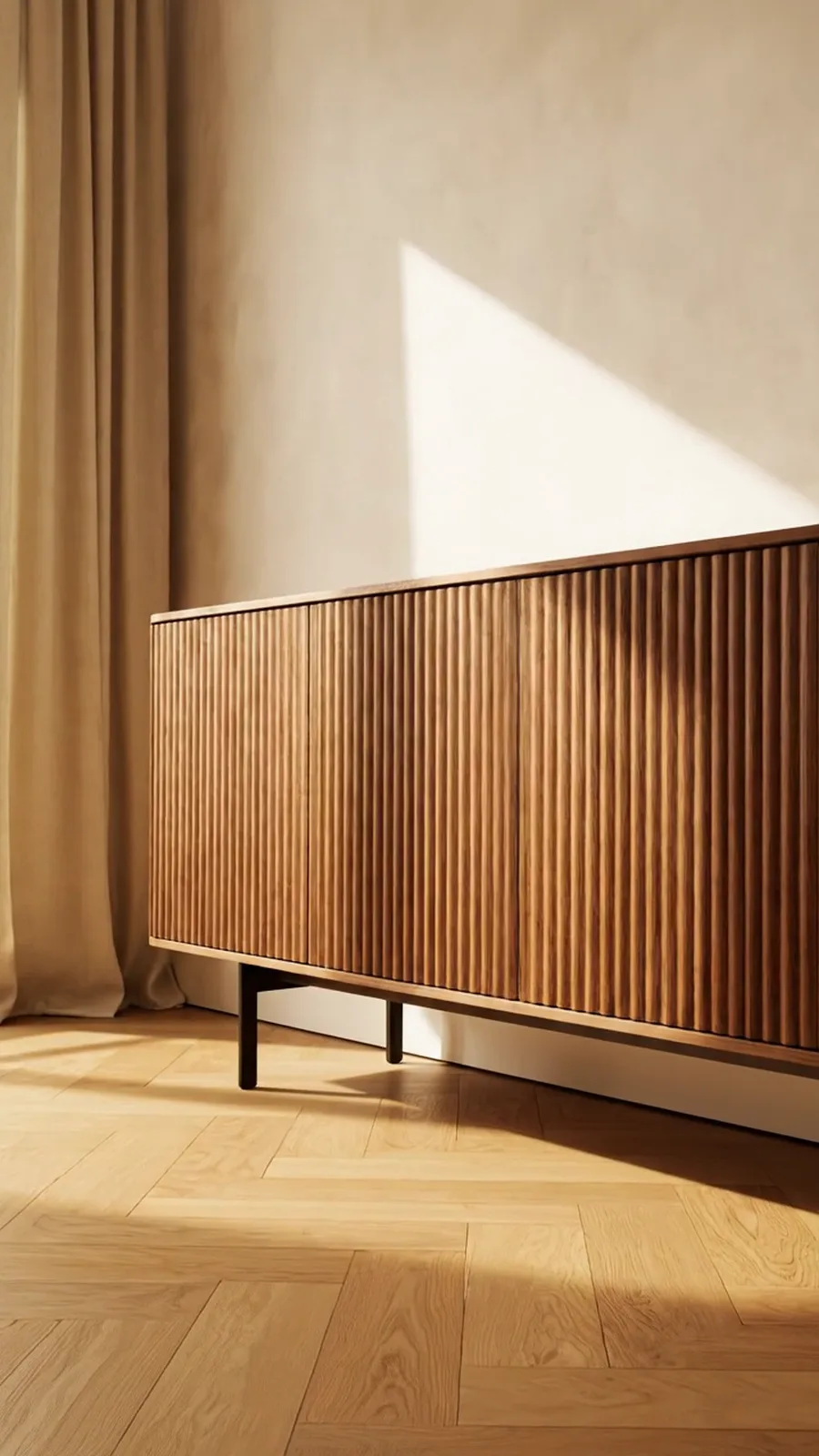
 Your products. Your voice. Your rules.
The furniture store on this page is an example. Replace its five pieces with your products, its information with yours, and its voice with one that suits your brand.
Show the details, explain sizes and introduce different options.
Present the features and uses documented in your product information.
Show your products in context and answer practical questions.
AI can make mistakes. Review your product information and instructions, then test your presentation before going live.
LiveKopilot is a live shopping studio with an AI seller. It helps you organise products, prepare videos, run presentations and answer viewers while staying in control from one dashboard.
You can use your product videos and media alongside your AI seller’s interventions. You do not need to appear on camera for every presentation. You remain responsible for your content and for supervising your LIVE.
Add your LiveKopilot scene link as a source in TikTok LIVE Studio. TikTok LIVE Studio handles the broadcast. LIVE access and commerce features depend on your account and their availability in your country.
Yes. Choose a language when creating your studio; it guides the seller’s answers. Pick a voice offered in that language, or create your own from an audio upload or a recording of at least 30 seconds.
We learn about your business, walk you through the products, selection and control room workflow, and discuss your questions and setup. Arrange your appointment directly on WhatsApp.
The demo is free with no commitment. Access options and pricing are discussed based on your needs, including studios, team and usage. Message us to find out more.
The seller is instructed to rely on your product information and business knowledge. This does not replace your oversight: provide accurate information, review your content and test answers before going live.
Tell us what you sell on WhatsApp. We will show you how to prepare your first LIVE with your catalogue, your voice and your customer answers.